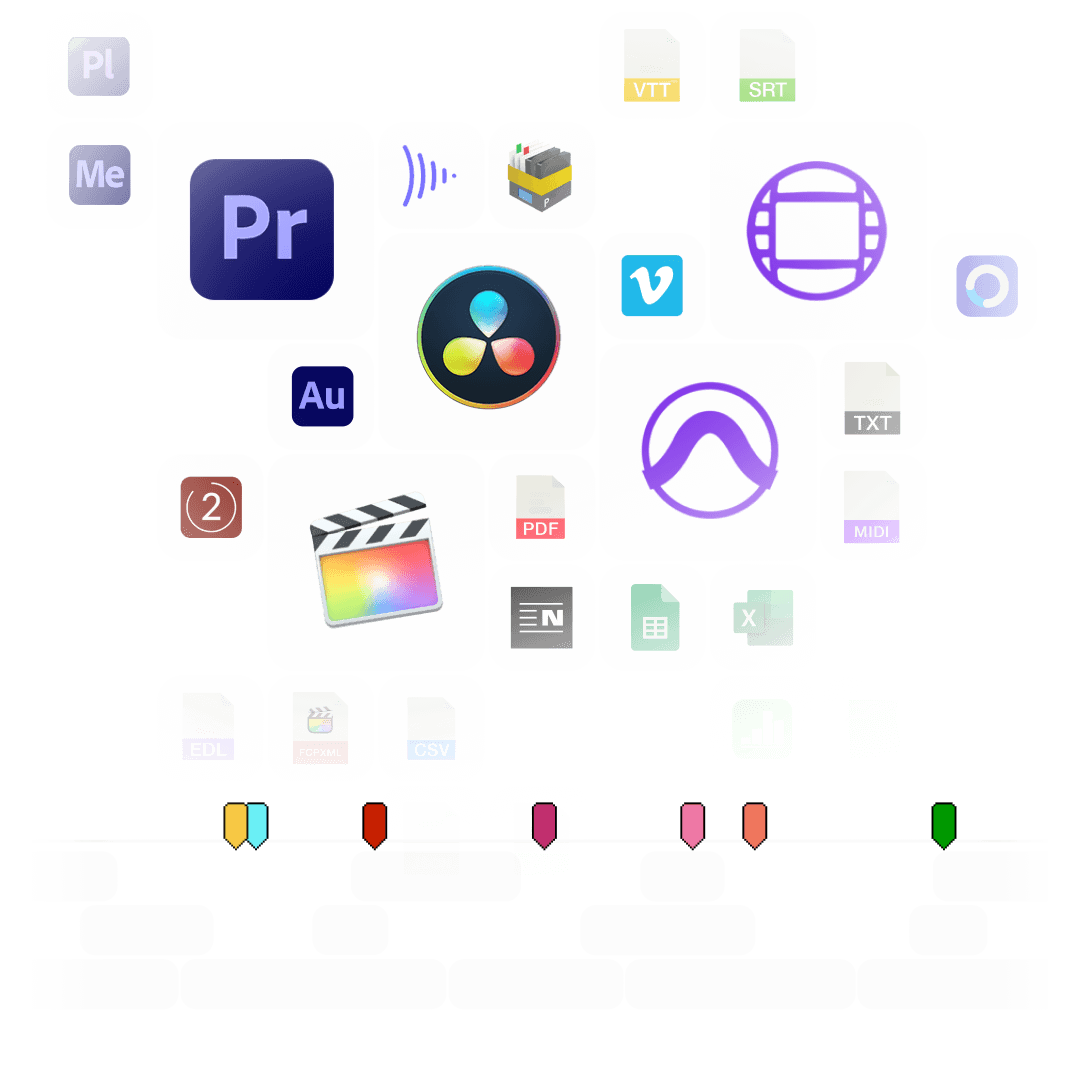
Turn your ADR list from Excel, Google Sheets or CSV into markers for Avid Pro Tools, Media Composer, Premiere and DaVinci Resolve. Or export markers from your timeline as an ADR list.
ADR (Automated Dialogue Replacement) is the process of re-recording production dialogue in a studio, to improve the audio quality or to reflect changes in the script. The ADR list, also called ADR cue sheet, is the foundation for this process: it lists every line with its timecode, the character and the dialogue.
With this tool you can turn an ADR list into markers for your audio or editing software, so every cue shows up at the right position in the timeline. You can also go the other way and export markers from your timeline as an ADR list in Excel, CSV or PDF.
Many editors mark ADR lines directly in the timeline. Set a marker on each line, put the character into the marker name and the dialogue into the comment. Then export the markers from Media Composer, Premiere, DaVinci Resolve or Final Cut Pro, upload them here and export an ADR list as Excel, CSV or PDF. Use a marker color per character or per reason and filter the list by color.
Your file needs a header row. Only a timecode column is required, all other columns are optional. The converter recognizes these column names:
| Column | Accepted column names (examples) |
|---|---|
| Timecode In | Timecode, Timecode In, TC In, In, Start |
| Timecode Out | Timecode Out, TC Out, Out, End |
| Character | Character, Role, Name – becomes the marker name |
| Dialogue | Dialogue, Line, ADR Line, Comment – becomes the marker comment |
| Color | Color, Colour |
| Cue number | Cue, Cue #, No |
Accepted colors: blue, cyan, green, yellow, red, orange, magenta, purple, fuchsia, rose, sky, mint, lemon, sand, cocoa, white, black
You can upload Excel (.xlsx, .xls) and OpenDocument (.ods) files directly. Only the first worksheet is read. From Google Sheets or Apple Numbers, export the sheet as CSV first.
Download our simple demo file demo_adr_file.csv or use our preset in Google Sheets: Open in Google Drive.
There are 3 different ways to bring ADR cues into Avid Pro Tools. The most suitable of these 3 is the Pro Tools PTX format.
| PTX Session Data | MIDI File | EDL File | |
|---|---|---|---|
| Marker colors | Yes | No | No real markers but clips with the dialogue as clip name. |
| Individual session timecode start | Yes | Yes | Not relevant |
| Adjustable audio pull rate | Yes | No | Not relevant |
| Adjustable sample rate | Yes | No | Not relevant |
| Import new cues at a later time | Yes | No. Pro Tools allows only one MIDI track with markers per session. | Yes |
In Pro Tools, go to "File > Import > Session Data". Select and open the generated ".ptx" file. In the "Import Session Data" window, make sure the "Ruler Markers / Memory Locators" box in the lower "Session Data" panel is checked. Press "OK" and your ADR cues will be imported as markers.
PRO users can convert unlimited PTX files, otherwise a conversion costs AI credits.
If you just want to try the format, select "PTX Session Markers [Trial]". The trial is free, but only converts the first 3 cues.
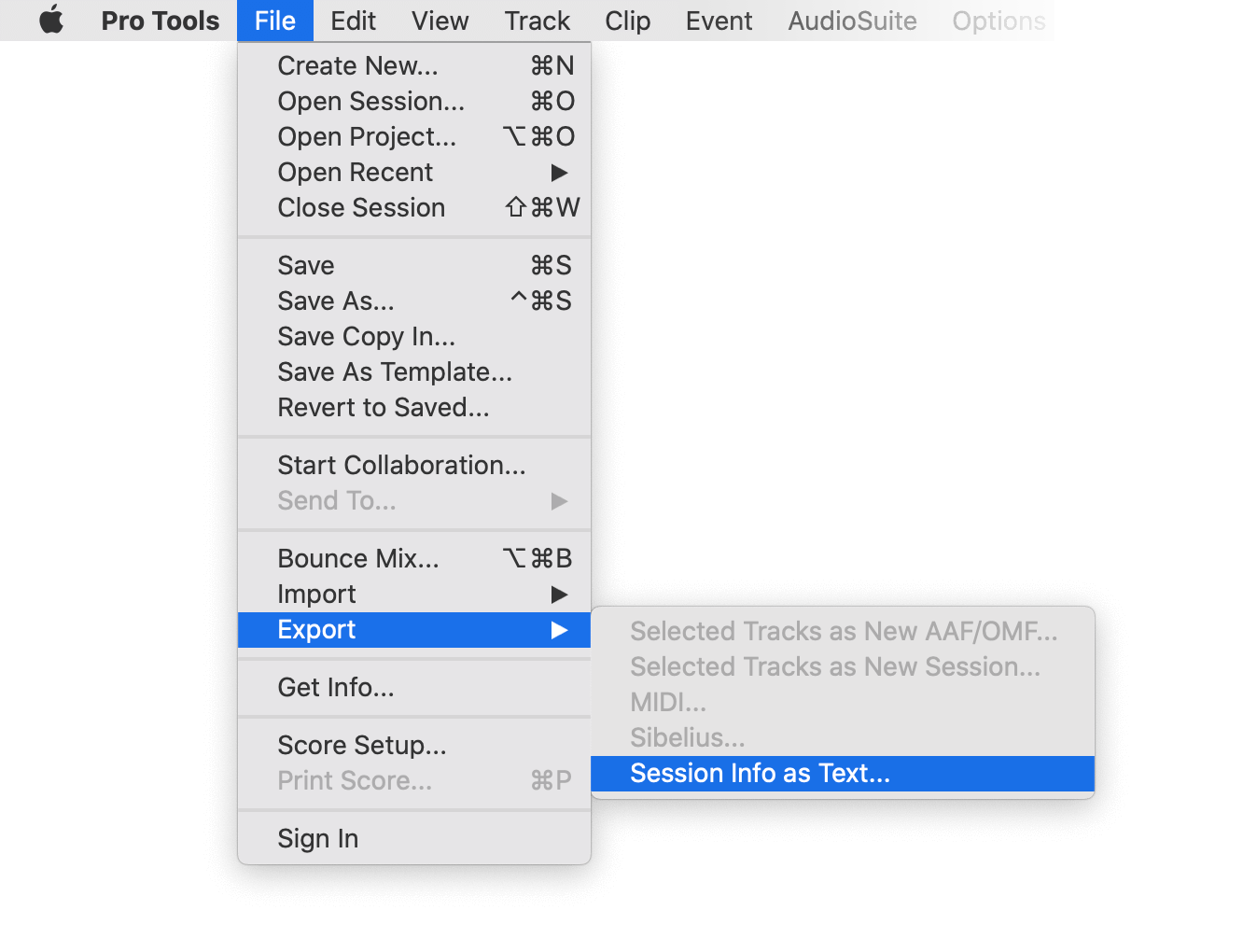
Under "File > Export > Session Info as Text" you can export the markers from Pro Tools. Upload the text file here, select "Avid Pro Tools > TXT Marker" as source and "Excel Spreadsheet" or "PDF" as output.
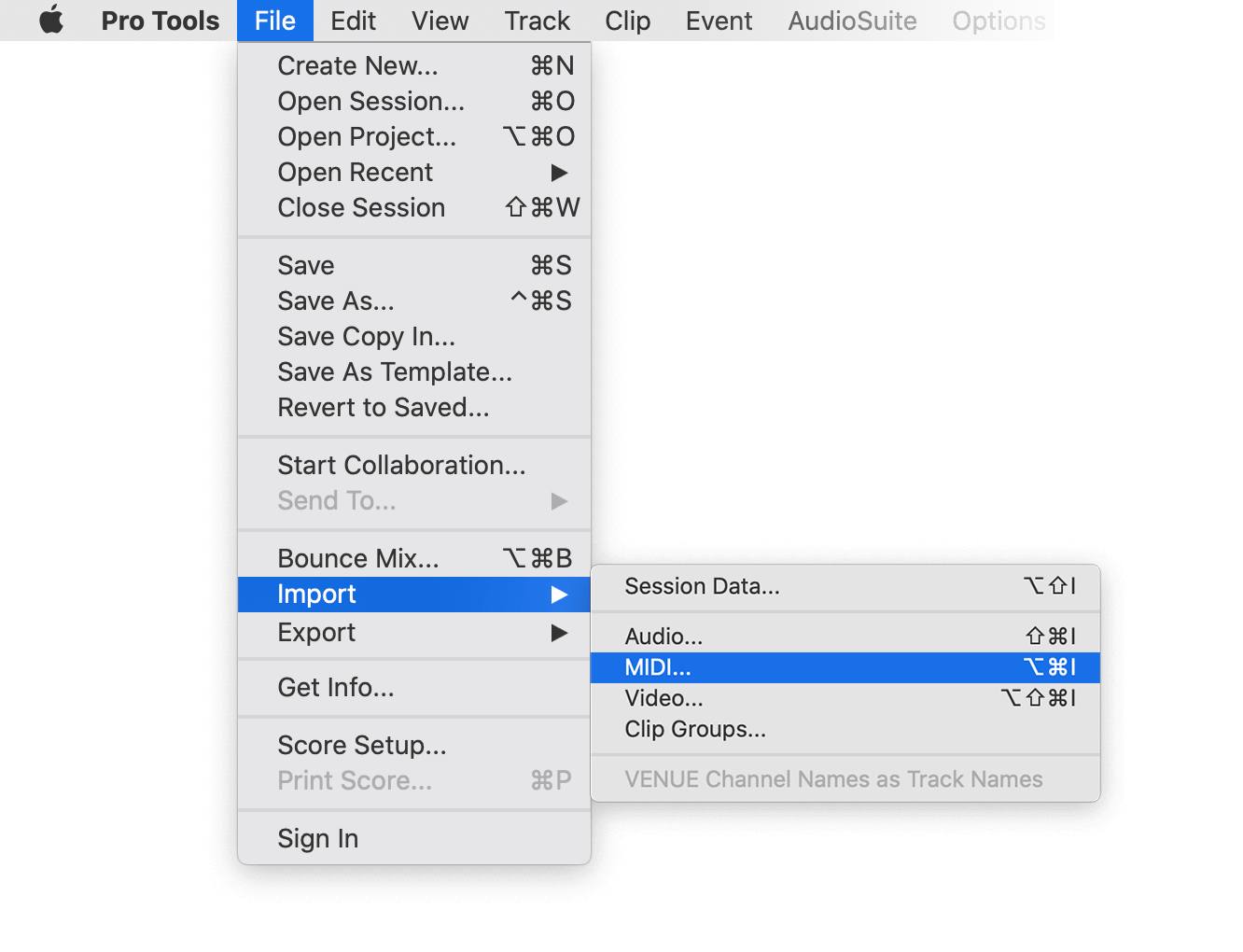
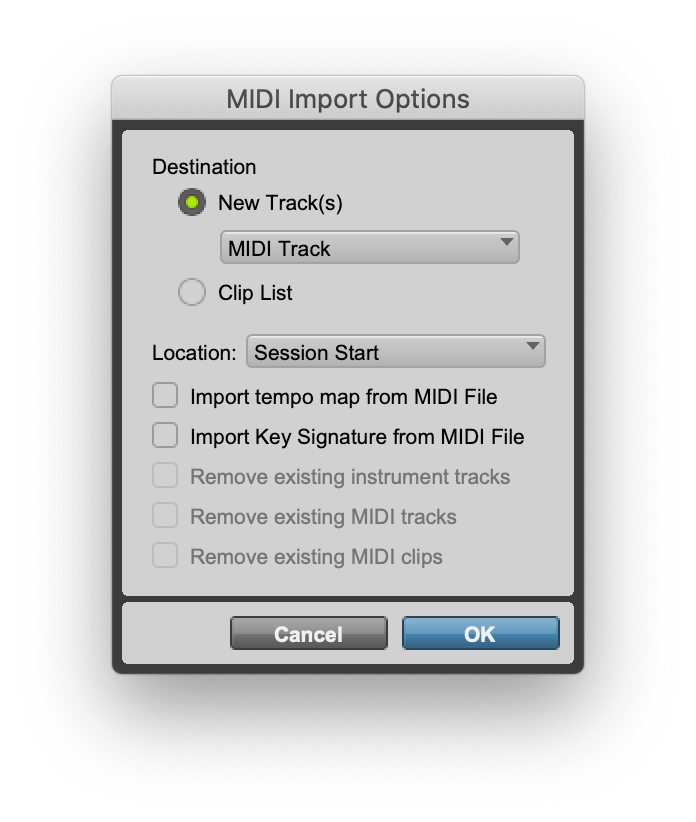
Under "File > Import > MIDI" you can import the generated file into Pro Tools. Select the file and then "Add MIDI Track". If there is already a MIDI track with markers, you have to remove it first. If your session does not start at 00:00:00:00, enter the start timecode of your session under "Sequence Start" in the form above, otherwise the markers have an offset.
Our free ADR tool offers a lot of features to convert and modify ADR lists. However, there are some limitations on the free tier that require a PRO subscription to unlock.
Explore Pro Features| Feature | Free | Pro |
|---|---|---|
| Conversion limit | Fair Use | No limit |
| Entries per file | up to 1200 | No limit |
| Premium formats | ✕ | ✓ |
| File encryption | ✕ | ✓ |
Whether you're a developer or just want to automate more processes with tools like Zapier or Make, you can easily integrate this tool into your workflows with our API. Learn more about integrating the REST API in our API documentation.
API Documentation